A finance team usually notices the problem before anyone else does. Sales has closed the deal, operations has delivered the work, but the invoice is still moving through email threads, spreadsheets, PDF attachments, and manual checks. That is exactly where the question starts to matter: what is e invoicing software, and why are so many businesses replacing traditional invoicing processes with it?
E invoicing software is a system that creates, sends, receives, validates, and stores invoices in a structured digital format. Unlike simply emailing a PDF, true e invoicing is built for machine-readable data exchange. That means invoice details can move directly between business systems, tax platforms, customers, suppliers, and accounting records with less manual entry and fewer processing errors.
For growing businesses, this matters because invoicing is not just an admin task. It affects cash flow, tax compliance, audit readiness, reporting accuracy, and the speed of month-end close. If invoicing is slow or inconsistent, the financial impact spreads quickly.
What is e invoicing software in practical terms?
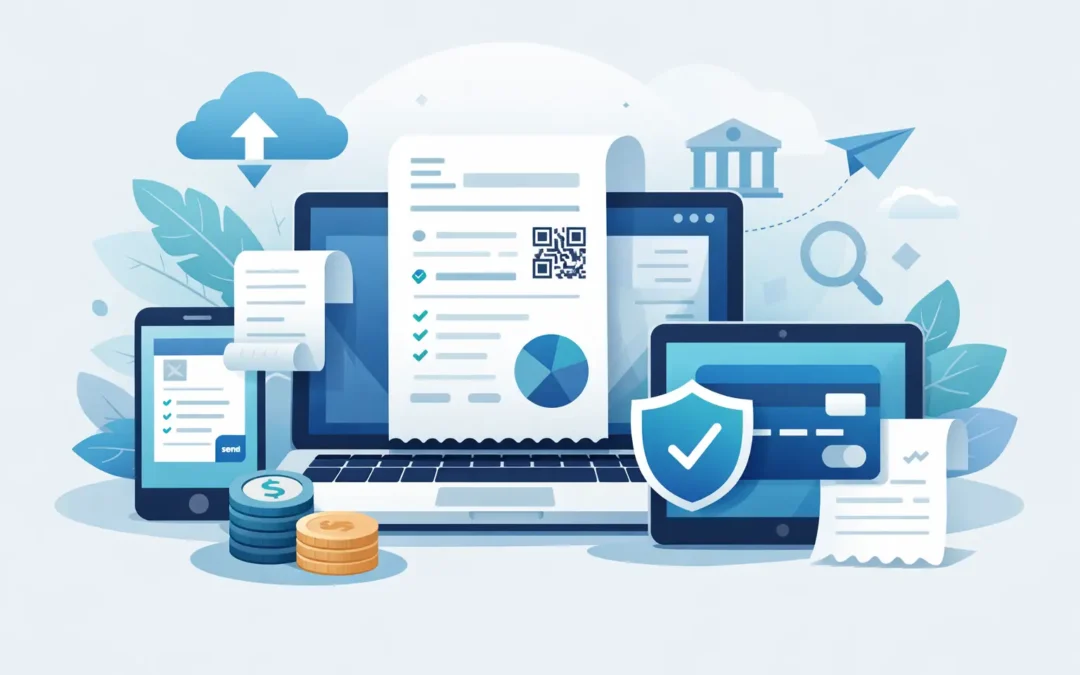
In practical terms, e invoicing software acts as the control point between your billing process and your financial records. It takes invoice data from your accounting, ERP, POS, or order management system, formats it according to the required standard, checks that key fields are complete, and transmits it through the right channel.
That channel depends on the business environment. In some cases, the software sends invoices directly to customers. In others, it exchanges invoices through a regulated platform or clearance network where tax authorities validate the document before it reaches the buyer. The software may also receive incoming e invoices from vendors and post them into accounts payable workflows.
This is why e invoicing software should not be confused with basic invoice generators. A simple invoicing tool helps you create and send bills. E invoicing software is designed to support structured data exchange, automation, and compliance.
How e invoicing software works
The workflow is usually straightforward, even if the technology behind it is more technical than many users ever need to see.
First, invoice data is pulled from the source transaction. That could be a sales order, delivery note, service record, subscription charge, or POS transaction. The software then maps those details into the required invoice structure, including customer identity, tax information, line items, totals, payment terms, and reference numbers.
Next, the system validates the invoice. It checks whether mandatory fields are present, whether tax calculations align with the rules, and whether the invoice format matches the required standard. If the business operates in a market with government-mandated e invoicing, the software may also submit the invoice to an official platform for clearance or reporting.
Once approved, the invoice is transmitted to the customer or receiving system. At the same time, the software typically updates the accounting ledger, stores the invoice record, tracks status, and creates an audit trail. Some platforms also support acknowledgments, rejection notices, credit notes, and payment matching.
The result is a tighter billing process with fewer handoffs and better visibility from invoice creation through final settlement.
The difference between e invoicing and sending a PDF
This distinction causes a lot of confusion. Many businesses assume they are already e invoicing because they email invoices as PDFs. That is digital invoicing, but it is not always true e invoicing.
A PDF is designed for people to read. Structured e invoice data is designed for systems to process. If your customer still has to manually key invoice details into their accounting software, the process remains partly manual. If the invoice data flows directly into their system without re-entry, that is much closer to what e invoicing is meant to achieve.
The difference affects more than convenience. Structured invoices improve accuracy, support automation, and help businesses comply with tax reporting rules where invoice data must meet specific standards.
Why businesses invest in e invoicing software
The strongest reason is operational control. Manual invoicing creates delays, duplicated work, and too many opportunities for mistakes. A wrong tax code, duplicate invoice number, missing customer detail, or formatting issue can lead to rejection, payment delays, or compliance problems.
E invoicing software reduces those risks by standardizing how invoices are generated and validated. It also shortens processing time. Invoices can be issued faster, approved faster, and matched faster on the receiving side. That improves cash flow and reduces time spent chasing avoidable errors.
For finance teams, the reporting benefit is equally important. Because invoice data is structured from the start, businesses gain more reliable visibility into receivables, tax positions, customer billing activity, and outstanding transactions. That supports cleaner reconciliations and more dependable financial reporting.
There is also a compliance angle. In many jurisdictions, invoicing rules are becoming more digital, more standardized, and more tightly monitored. Businesses need software that can adapt to these requirements without forcing staff to manage every rule manually.
Key features to look for in e invoicing software
Not all platforms serve the same purpose. Some are built for freelancers and light billing. Others are designed for finance teams that need integration, approval controls, and regulatory readiness.
The most valuable e invoicing software usually includes invoice creation from source transactions, structured format support, tax validation, status tracking, automated delivery, and secure document storage. Integration matters as well. If the software cannot connect cleanly to your accounting, ERP, inventory, sales, or payroll environment, the business may still end up maintaining duplicate records.
Approval workflows can be important for larger companies or businesses with multiple branches. Role-based access, audit trails, and exception handling also matter when finance control is a priority. If your business operates in a regulated environment, support for country-specific compliance requirements becomes essential rather than optional.
For companies managing high invoice volume, scalability should be assessed early. A tool that works for a few invoices per day may not perform well when transaction volume increases across entities, departments, or sales channels.
What is e invoicing software expected to solve?
It is expected to solve process friction, but the exact benefit depends on your current setup.
If your problem is slow accounts receivable, e invoicing software can help by issuing invoices faster and reducing disputes caused by missing or inconsistent data. If your problem is compliance exposure, the value comes from standardized validation and traceable records. If your issue is fragmented systems, the real benefit may be integration across sales, finance, and operations.
That said, software alone does not fix weak internal processes. If product codes are inconsistent, customer master data is incomplete, or staff bypass standard workflows, the software will expose those issues quickly. That is not a drawback, but it does mean implementation should include process review, not just system setup.
Trade-offs to consider before adopting e invoicing software
E invoicing software is not a one-size-fits-all purchase. The right choice depends on transaction volume, customer requirements, tax obligations, and how your systems already work.
For smaller businesses with simple billing needs, a fully featured e invoicing platform may feel more complex than necessary at first. There can be setup work around tax mapping, document templates, user permissions, and integrations. Teams may also need training, especially if they are moving from spreadsheets or manual billing.
For larger businesses, the challenge is usually different. The software must fit into existing workflows without disrupting operations. Integration quality becomes critical, particularly when invoicing depends on inventory, project billing, delivery confirmation, or contract terms.
Cost should also be evaluated properly. The subscription fee is only part of the equation. Businesses should weigh implementation effort, support quality, compliance readiness, and the time saved by reducing manual work. In many cases, the operational savings are more significant than the software price itself.
Who benefits most from e invoicing software?
Any business that sends or receives invoices regularly can benefit, but the strongest gains usually appear in organizations with recurring billing, multi-department approvals, high transaction volume, or strict compliance requirements.
Distributors, retailers, service firms, contractors, and multi-entity businesses often see immediate value because invoicing sits close to inventory, procurement, project delivery, or sales fulfillment. Accountants and finance managers benefit from cleaner records and faster reconciliation. Business owners benefit from better visibility and fewer delays between completed work and collected revenue.
This is also where an integrated platform can make a real difference. When e invoicing is connected with accounting, tax handling, reporting, and operational data, the business gains more than faster invoice delivery. It gains a more controlled financial process. For companies evaluating that path, providers such as SQL Accounting are often considered when local compliance, integration depth, and day-to-day finance control matter as much as invoicing speed.
Choosing the right system for your business
The best question is not whether e invoicing software has useful features. Most modern platforms do. The better question is whether the software fits the way your business actually operates.
Look at where invoice data originates, who needs to approve it, what compliance rules apply, how customers receive it, and how the final record should land in your accounting system. A mismatch in any of those areas creates workarounds, and workarounds usually bring back the same manual problems the software was meant to remove.
A reliable e invoicing setup should reduce effort, strengthen accuracy, and support compliance without forcing finance teams to manage exceptions all day. When that happens, invoicing stops being a bottleneck and starts working like it should – as a controlled, traceable part of the wider business process.
If your invoicing process still depends on manual checking, rekeying data, or chasing document status across disconnected systems, that is usually the clearest sign that better software is no longer a nice-to-have but an operational requirement.