
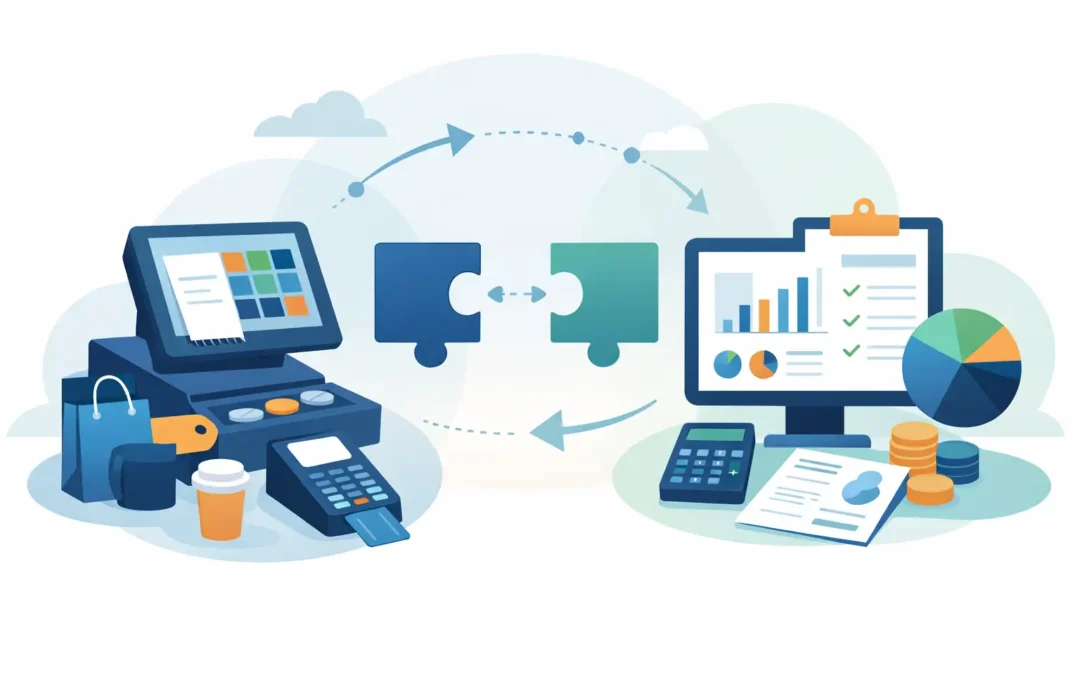
A busy sales counter can produce hundreds of transactions before the finance team opens its accounting system. If those records are entered later by hand, small differences in discounts, taxes, tips, returns, and payment fees quickly become difficult to trace. Learning how to connect POS accounting is about creating one controlled flow from each sale to the general ledger, inventory records, and management reports.
The objective is not to send every receipt into accounting without review. It is to ensure that the sales data arriving in finance is complete, mapped correctly, reconciled to payment settlements, and available when decisions need to be made. A properly connected POS and accounting environment reduces duplicate entry while giving business owners a clearer view of revenue, stock movement, cash, and margin.
Start With the Data Flow, Not the Connector
Many businesses begin by selecting an integration tool, then discover that their chart of accounts, payment methods, or product codes are inconsistent. That approach creates a faster route for inaccurate data. Start by documenting what happens from the moment a cashier completes a sale through to the bank deposit and financial close.
For each transaction type, identify the source system, the destination account, the person responsible for reviewing exceptions, and the timing of the posting. A retail sale paid by card, for example, should not usually post directly to the bank account. It may first post to a card clearing account, then be cleared when the payment processor deposits the funds after deducting fees.
This initial review also reveals whether your business needs transaction-level posting or summarized daily journals. A smaller operation with limited sales volume may benefit from individual receipt records in accounting. A retailer, restaurant, salon, distributor, or multi-location business often gets better performance and cleaner ledgers from daily summaries, with the POS retaining receipt-level detail for audit and customer service purposes.
Define what must move between systems
At a minimum, the integration should transfer daily sales totals, sales tax, discounts, refunds, payment tenders, and cash movements. If you sell inventory items, it should also update quantities on hand and, where applicable, cost of goods sold.
The exact scope depends on the business model. A service business may need employee, commission, appointment, and tip data. A wholesaler or distributor may need customer accounts, credit limits, pricing tiers, delivery charges, and sales order references. A business with online and physical sales needs a consistent method for identifying the sales channel so management can compare performance without double counting revenue.
Standardize Accounts, Products, and Payment Methods
Integration quality depends on the quality of master data. Before connecting systems, clean up duplicate products, inactive items, inconsistent tax codes, and unclear payment labels. “Visa,” “Card,” “Credit Card,” and “Terminal” should not appear as separate methods unless they are intentionally tracked that way.
Your chart of accounts should separate the items finance needs to control. Typical accounts include sales revenue, sales returns and allowances, sales tax payable, gift card liability, cash on hand, card clearing, e-commerce clearing, delivery platform clearing, merchant fees, inventory, and cost of goods sold. Separate accounts provide visibility, but too many accounts can make daily reconciliation harder. Use detail where it supports a decision or a control.
Product mapping deserves equal attention. Each POS item should align with an accounting item or revenue category. If inventory is managed in the accounting system, the SKU, unit of measure, and product status must be consistent. A mismatch such as selling “12-pack” at the counter while accounting tracks a single unit can distort inventory and margin even when sales totals look correct.
Decide how taxes and discounts will post
Sales taxes should be calculated once, using the correct rules for the sale, then posted to the appropriate tax liability account. Avoid manually recomputing tax in accounting after the POS has completed the transaction. That creates preventable differences between sales reports and tax reports.
Discounts need a defined treatment as well. Some businesses post discounts as a reduction of revenue, while others report a separate discounts account for management analysis. Either method can work if it is applied consistently. The same principle applies to coupons, loyalty redemptions, staff discounts, and promotional bundles.
Choose the Right Connection Method
There are three practical ways to connect POS data to accounting: a native integration, an API-based connection, or controlled file import. The best choice depends on transaction volume, the POS platform, reporting requirements, and the level of internal support available.
A native integration is usually the simplest route when both systems support the same connector. It can reduce setup time and provide defined mappings for sales, tenders, and inventory. However, confirm what the connector actually transfers. Some integrations only send sales totals and do not handle returns, gift cards, fees, or stock adjustments correctly.
An API connection can support more tailored workflows, including multi-location reporting, custom approval steps, customer synchronization, and near-real-time updates. It requires stronger implementation discipline. APIs can fail because of changed credentials, field updates, rate limits, or incomplete error handling, so monitoring and ownership are essential.
File import can be appropriate for businesses with lower volume, specialized POS systems, or strict review processes. A scheduled CSV import is not automatically inferior if it is standardized, validated, and reconciled. The risk appears when staff manually alter files, use different templates, or import without checking the results.
Configure Posting Rules Before Going Live
Set the connection to post into a test company or test environment first. Create a controlled group of sales that includes cash, card, tax, discount, refund, void, split tender, gift card, and any delivery or marketplace orders your business accepts.
Review each entry in the general ledger. Sales revenue should match the POS sales report after accounting for returns and discounts. Tax should reconcile to the POS tax report. Cash should match the register closeout. Card and digital wallet payments should sit in the correct clearing accounts until settlement occurs.
Do not overlook timing. A sale made before midnight may settle in the bank one or two days later. If the integration uses settlement date instead of transaction date for revenue, daily sales reporting can become misleading. Configure revenue based on the sale date, then use clearing accounts to manage settlement timing.
Protect inventory and cost of goods sold
If the POS is the primary source for stock movement, every completed sale, return, and void needs a clear inventory effect. A sale should reduce inventory and recognize cost of goods sold based on your selected costing method. A return may restore stock only when the item is physically accepted back into sellable inventory.
Businesses should also define how damaged goods, waste, samples, internal use, and stock count adjustments are recorded. These movements should not be disguised as sales returns or ordinary sales. Clear adjustment reasons improve accountability and help managers identify recurring loss patterns.
Reconcile Daily and Investigate Exceptions
Automation does not remove the need for control. It changes the work from re-entering transactions to reviewing exceptions. Daily reconciliation is the discipline that confirms POS activity, accounting postings, register counts, processor settlements, and bank deposits agree.
A practical daily review compares gross sales, discounts, refunds, taxes, tender totals, expected cash, actual cash, and payment processor batches. Differences should be assigned to an owner and resolved promptly. A small shortage that remains unexplained for weeks becomes much harder to investigate.
Pay particular attention to suspended transactions, manual price overrides, post-close edits, offline sales, and duplicated imports. These are common areas where a system may produce valid-looking entries that do not reflect the actual business event. Set user permissions so only authorized staff can change mappings, edit historical POS records, or rerun exports.
For growing businesses, SQL Accounting can support a connected operating model by bringing sales, inventory, financial records, and reporting into a controlled business management environment. The value comes from configuring workflows around the way your locations, products, payment channels, and finance team actually operate.
Maintain the Connection as the Business Changes
A POS accounting connection is not a one-time technical project. New locations, payment providers, product lines, tax rules, promotions, and e-commerce channels can all affect the posting logic. Review mappings whenever the business changes how it sells or collects money.
Keep a simple configuration record showing each POS tender, sales category, tax code, and its related accounting account. Train both operations and finance staff on the process, including what to do when a sync fails. The people closing registers need to understand why accurate tender selection matters, while the finance team needs visibility into how POS exceptions are created.
The strongest result is a daily sales process that staff can follow consistently and managers can trust. When the POS and accounting records tell the same story, finance can spend less time repairing data and more time using it to control cash, protect margin, and guide the next business decision.