Accounting data migration done carefully
Accounting data migration decides how well your new system starts. If balances or customer codes arrive wrong, staff stop trusting the numbers. So we plan the move, check it twice and sign it off with you.
Our accounting data migration service moves master data and, when you need it, past transactions into AutoCount or SQL Account. Master data means your chart of accounts, customers, suppliers and stock items. Transactions mean open invoices, bills and history.
In addition, we install the software on each PC, set up users and confirm backups before you go live.
Migration and installation prices
| Service | Price |
|---|---|
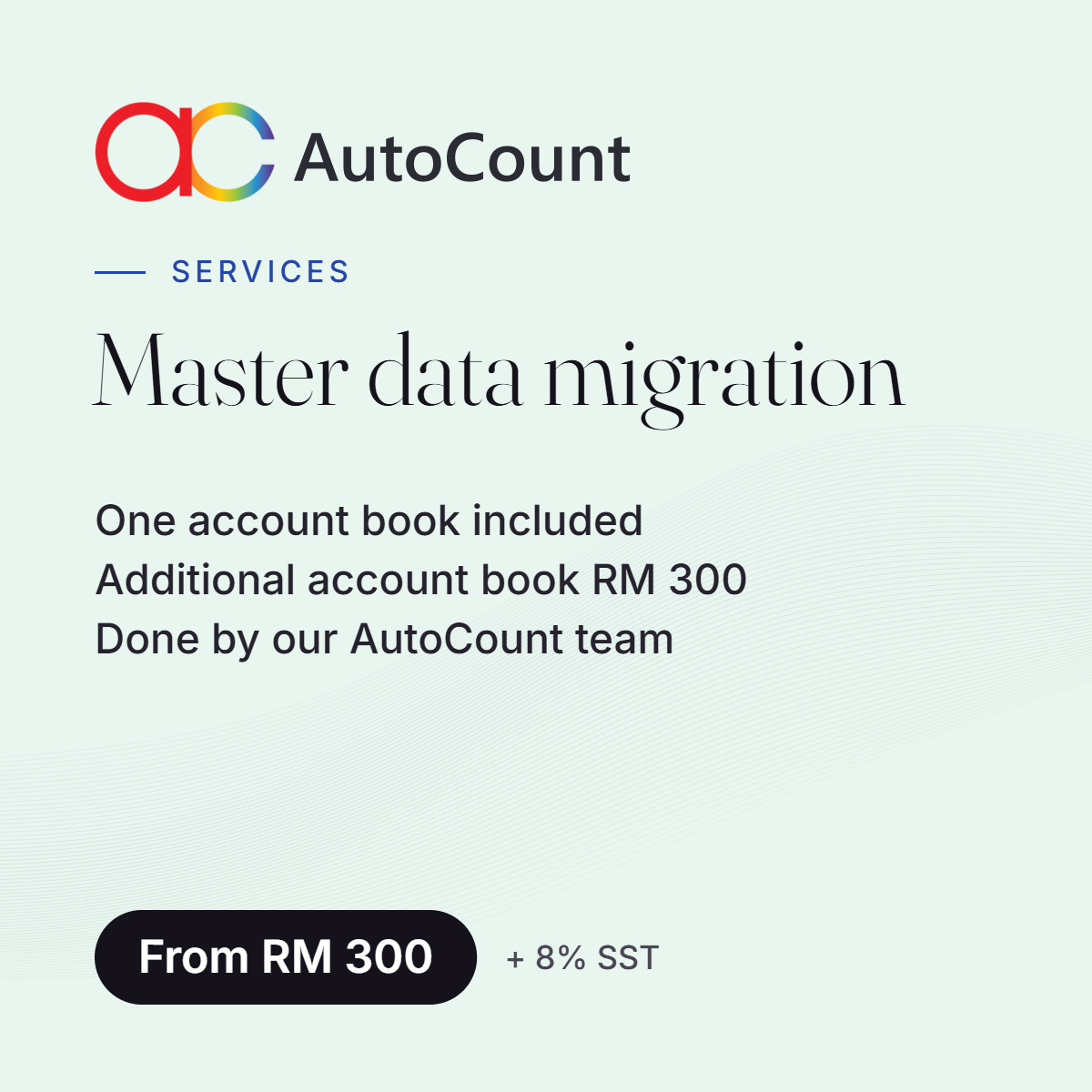
| AutoCount master data migration (per account book) | RM300 |
| AutoCount transaction migration (per account book) | RM500 |
| AutoCount Excel import template | RM100 |
| SQL account migration (per company) | RM500 |
| SQL payroll migration (per company) | RM500 |
| UBS installation (per PC) | RM100 |
Prices exclude 8% SST. If you have more companies, PCs or account books, the product page adds the extra fee.
How we move your data
- ExportFirst, we take a copy of your data from the old system or from Excel.
- MapNext, we match old codes to new ones, such as accounts, tax codes and units.
- ImportThen we load the data into a test company and run the key reports.
- CheckAfter that, you compare trial balance, debtors, creditors and stock with the old system.
- Go liveFinally, we repeat the import into the live company on the agreed date.
Common moves we handle
Many customers move from Excel or an old UBS version to AutoCount or SQL Account. Others move between AutoCount and SQL when their needs change. For example, a growing distributor may move from SQL Accounting and Billing to AutoCount Pro for more modules.
We also set up the LHDN e-Invoice details during the move, such as tax numbers for customers. For the official data rules, see the LHDN e-Invoice page.
Migration questions
Should I move past transactions or only balances?
Most firms move opening balances and open items only, because it is faster and cheaper. However, transaction migration helps if you need full history in the new system.
How long does a migration take?
A typical master data move takes a few working days, including your checks. Larger histories take longer.
Can you move payroll data too?
Yes. SQL payroll migration carries staff records and year-to-date figures, so EA forms stay correct.
Plan your move
Tell us your old system, the new software and your go-live date. Then we will confirm the scope and price.