
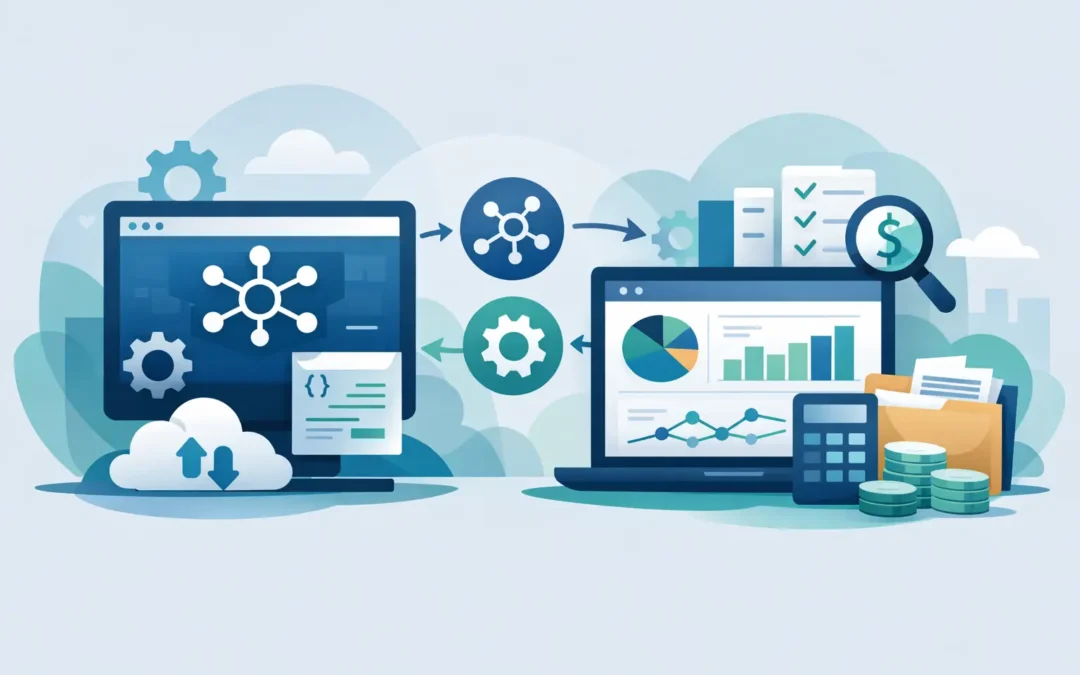
When finance teams are still exporting CSV files between systems at the end of every day, the problem is rarely accounting alone. It is a process problem. API integration for accounting software matters because accounting sits at the center of payroll, sales, inventory, e-invoicing, banking, and reporting. If those systems do not exchange data correctly, every delay turns into rework, and every rework increases the risk of errors.
For growing businesses, that pressure builds fast. One disconnected sales channel can create duplicate customer records. One manual stock update can distort margins. One payroll adjustment entered twice can create audit issues later. Good integration is not just about saving time. It is about keeping financial records accurate while the business gets more complex.
What API integration for accounting software actually does
An API allows one system to send data to another using defined rules. In practice, this means your accounting platform can receive invoices from a billing system, sync payment status from a banking tool, pull employee cost data from payroll, or update stock values from inventory software.
That sounds straightforward, but the real value is consistency. Instead of relying on staff to move data manually, the system pushes approved information into the right records at the right time. Sales transactions can create accounting entries. Purchase activity can update payables. Inventory changes can affect cost of goods sold. Management reports can reflect current numbers instead of last week’s exports.
This is why integration is often more useful than adding another standalone app. A disconnected tool may solve one departmental issue while creating three finance issues behind the scenes.
Where businesses see the biggest gains
The strongest use case for API integration for accounting software is not novelty. It is operational control. Businesses usually benefit most when they connect accounting to systems that generate high transaction volume or require strict compliance.
Sales and eCommerce
If orders are coming in from multiple channels, manual posting becomes unreliable very quickly. Integration can transfer customer details, invoice data, tax amounts, discounts, shipping charges, and payment status directly into the accounting system. That reduces posting delays and gives finance teams a cleaner view of receivables.
There is a trade-off, though. If the source platform has inconsistent product codes or customer naming conventions, integration can simply move bad data faster. The accounting side becomes more efficient only when master data is governed properly.
Payroll and HR
Payroll affects the general ledger, statutory reporting, employee claims, and cost allocation. Connecting payroll with accounting can reduce month-end journal work and improve visibility into labor costs by department or project. For companies managing multiple entities or branches, this can save significant admin time.
This is especially valuable where compliance requirements are detailed and recurring. The closer payroll and finance data are aligned, the easier it is to reconcile reports and respond to audits.
Inventory and operations
Inventory-heavy businesses usually feel integration gaps more sharply than service firms. If purchasing, stock movement, returns, and production data are not reflected accurately in accounting, margin reporting becomes less trustworthy. Integration helps tie operational activity to financial outcomes.
Still, timing matters. Some businesses need real-time stock and costing updates, while others are better served by scheduled synchronization to reduce system load and control posting windows. The right answer depends on transaction volume, reporting needs, and internal controls.
Banking and collections
Bank integrations can speed up reconciliation, improve cash visibility, and reduce the manual work involved in matching payments to invoices. For finance teams that process large payment volumes, this is one of the clearest areas where automation creates immediate value.
What to plan before you integrate
The technical connection is only one part of the job. Most integration problems come from unclear process design rather than weak code.
First, decide what data should move, when it should move, and which system owns each record. Customer data, item codes, tax settings, chart of accounts, and cost centers need clear ownership. If both systems can change the same field without rules, conflicts are almost guaranteed.
Second, define the business event that triggers the sync. Should an invoice post when a sales order is created, when goods are delivered, or when the invoice is approved? Should payment updates happen instantly or in batches? These decisions affect reporting, controls, and user expectations.
Third, plan for exceptions. Credits, canceled invoices, partial deliveries, foreign currency transactions, and tax adjustments are where weak integrations usually fail. An integration that handles standard transactions but breaks on edge cases creates hidden accounting risk.
Common mistakes that create more work later
Many businesses assume that if systems can connect, the integration will automatically improve operations. That is not always true.
One common mistake is integrating too much too early. If a company tries to connect every module, every branch, and every workflow in phase one, the project becomes harder to test and harder to govern. A focused rollout usually performs better. Start with the highest-value process, prove reliability, then expand.
Another mistake is ignoring reconciliation. Even well-designed integrations need checkpoints. Finance teams should be able to compare source totals, posted totals, and exception logs easily. If there is no practical way to verify what moved and what failed, trust in the system drops quickly.
A third issue is treating API integration as purely an IT project. Finance, operations, payroll, and management all need visibility because the integration changes how work gets done. Approval flows, posting logic, and reporting timelines may all shift.
How to evaluate an accounting integration approach
Not all API integrations are equal. Some are simple data transfers. Others support two-way synchronization, validation rules, approval logic, and audit tracking. The right level of complexity depends on the business.
For a smaller company, a reliable one-way flow from sales into accounting may be enough. For a larger operation, finance may need branch-level mapping, project codes, role-based access, custom fields, and integration with payroll, inventory, e-invoicing, and BI reporting.
When evaluating options, businesses should look beyond the API itself. The more important questions are practical. Can the system handle transaction volume? Can it support local compliance workflows? Are logs visible? Can users trace the source of a posted entry? Can failures be retried without creating duplicates? Those details matter more than a generic claim that a platform is integrated.
This is where mature business software usually has an advantage. A proven platform with accounting, payroll, inventory, and operational modules designed to work together often reduces the integration burden compared with stitching together many unrelated apps. For companies that need stronger control across departments, that ecosystem approach can be more stable over time.
Security, compliance, and control cannot be afterthoughts
Finance data is sensitive by default. Any API integration touching invoices, payroll, customer balances, bank data, or tax records needs proper access control and clear auditability.
That means user permissions should be aligned with job roles. Data transfers should be monitored. Changes to mapping rules should be controlled. Failed transactions should be logged, reviewed, and resolved promptly. If compliance requirements apply to invoicing, payroll, or financial reporting, the integration design should support those requirements from the start rather than trying to patch them later.
For many businesses, this is also a vendor decision. A software provider that understands accounting workflows, payroll complexity, and local compliance expectations will usually make better integration decisions than a general-purpose connector with no financial context. SQL Accounting, for example, fits businesses that want accounting to remain connected to wider operational processes without losing control of compliance and reporting.
A practical rollout path
The safest approach is to start with one process that causes measurable friction today. That might be syncing sales invoices, pushing payroll journals, or automating bank reconciliation input. Define the desired outcome clearly – less manual entry, faster closing, better visibility, fewer errors – and measure that result after implementation.
Then build in review points. Check data quality, exception handling, and reporting impact before expanding to the next workflow. Integration should reduce operational effort, not just shift the effort into troubleshooting.
A good API project makes accounting less reactive. Finance teams spend less time correcting imported data and more time reviewing meaningful numbers. Owners and managers get current information they can act on. And as the business adds channels, staff, locations, or compliance requirements, the system is better prepared to keep up.
The real test is simple: if your team can trust the numbers without chasing them across multiple systems, the integration is doing its job.