A rejected invoice rarely starts with the invoice itself. It usually starts earlier – with customer master data that was entered once, never checked again, and copied across sales, accounting, and reporting workflows. That is why einvoice tin management software matters. It helps businesses control taxpayer identification numbers at the source, so invoicing, validation, and compliance processes are handled with fewer errors and less rework.
For finance teams and business owners, this is not just a data-cleanup issue. TIN errors affect billing speed, reporting accuracy, customer confidence, and the workload placed on staff. When e-invoicing requirements become part of daily operations, tax identifiers can no longer sit in a spreadsheet, a notes field, or an employee’s memory. They need to be managed as part of a controlled system.
What einvoice tin management software actually does
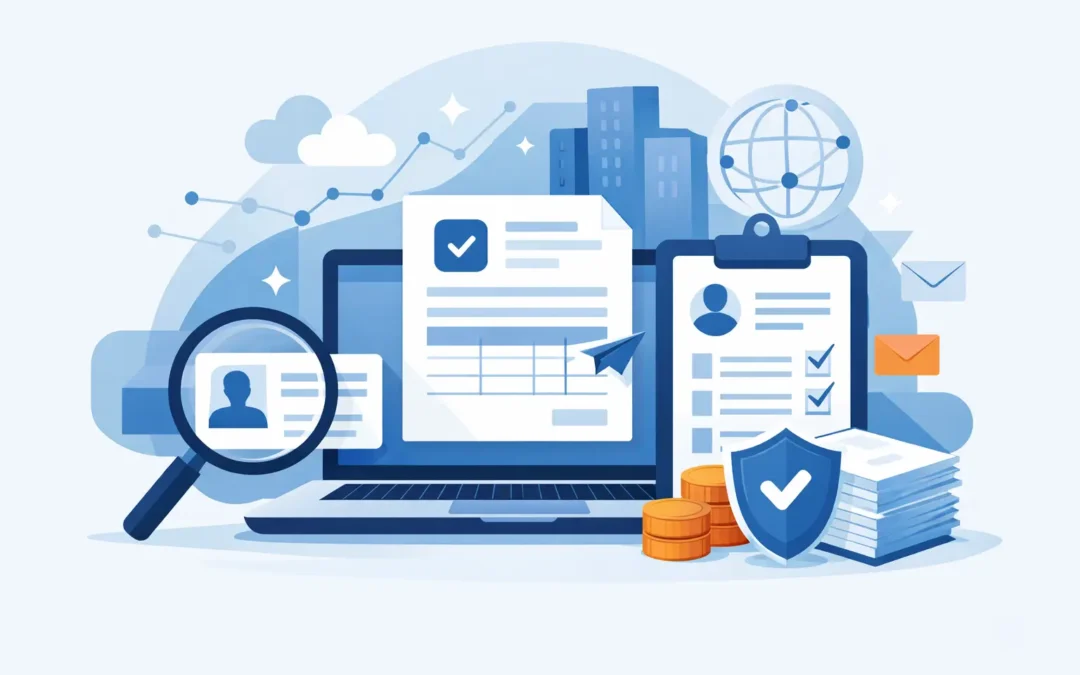
At a practical level, einvoice tin management software centralizes how TIN data is captured, stored, validated, and used across invoice-related processes. Instead of treating the TIN as a basic text field, the software treats it as compliance-critical information.
That changes the workflow in several ways. Customer records can be standardized at the point of entry. Duplicate or incomplete records are easier to detect. Invoice generation can pull from approved master data rather than free-form input. Validation rules can reduce common mistakes before invoices are submitted or shared.
The value is even higher in businesses with multiple sales channels, branches, legal entities, or teams handling customer onboarding. In those environments, inconsistent data entry is common. One branch may use abbreviations, another may skip fields, and a third may enter tax details in the wrong format. Without system control, these small inconsistencies accumulate quickly.
Why TIN control has become an operational issue
Many companies first approach e-invoicing as a statutory requirement. That is reasonable, but it is too narrow. Once e-invoicing is in place, TIN accuracy affects more than compliance. It affects how efficiently the business can issue invoices, respond to customer disputes, and maintain reliable records.
A finance team that has to stop every day to fix tax IDs is not just facing a compliance problem. It is facing a process design problem. The same applies when sales staff collect incomplete billing data, or when customer service updates records in one system but not another. The cost shows up in delays, corrections, rejected submissions, and additional review work.
This is why strong TIN management should be built into the accounting and operational environment, not added as a separate patch. If invoicing lives in one system and customer tax data lives somewhere else, the risk of mismatch stays high.
Core capabilities to look for in einvoice tin management software
The most useful platforms do not just store TINs. They create control around how the information moves through the business. That usually starts with centralized customer master data and role-based access, so updates are visible and traceable.
Validation is another essential capability. The software should help users catch formatting issues, missing fields, duplicate records, and incomplete customer tax information before invoice generation. Prevention is far less costly than correction after submission.
Auditability also matters. Finance and compliance teams need a clear record of who updated tax-related data, when changes were made, and which records were used in invoice processing. This becomes especially important when businesses are growing or when several users handle billing activities.
Integration should not be treated as optional. If your accounting, sales, inventory, POS, and customer management workflows are disconnected, TIN accuracy will depend too much on manual handoffs. A better setup keeps customer tax details synchronized across the systems that create commercial transactions.
Reporting is another area where mature software makes a difference. Teams need visibility into missing TINs, invalid entries, pending corrections, exception cases, and invoice records that may be at risk. Without this visibility, problems stay hidden until submission fails or a customer raises an issue.
The trade-off between simple tools and integrated systems
Some businesses begin with basic methods such as spreadsheets, shared documents, or custom fields inside disconnected applications. That can work for a short period, especially if transaction volume is low and the customer base is stable. But it tends to break down as invoice volume increases or as more staff become involved.
The main advantage of simple tools is low initial cost and fast setup. The downside is weak control. There is limited validation, inconsistent ownership, and no reliable connection between customer records and invoice processing. A business may save money upfront but spend far more time fixing avoidable errors later.
An integrated accounting environment usually requires more planning, but it delivers stronger operational control. Customer data, invoice creation, compliance checks, and reporting can work from the same source of truth. That reduces duplication and helps teams move faster without sacrificing accuracy.
This is where a platform approach is often more practical than buying isolated tools. Businesses that already manage accounting, sales, payroll, inventory, and operational data in connected workflows are in a stronger position to handle e-invoicing requirements with less friction.
Who needs this most
Not every company faces the same level of complexity. A small firm with a narrow customer base may only need structured customer record controls and basic validation. A distributor with multiple branches, mobile sales activity, and a large active customer file will need much tighter governance.
Companies with frequent customer onboarding tend to benefit quickly because the risk of incomplete or inconsistent tax data is higher. The same is true for businesses operating across departments where sales enters customer details, finance issues invoices, and management expects clean reporting.
Industry matters as well. Operationally complex businesses often have more invoice exceptions, more billing variations, and more staff touching transaction data. In those cases, TIN management should be embedded in broader process control, not handled as an isolated compliance task.
Implementation questions decision-makers should ask
Before selecting a system, decision-makers should look beyond the product checklist. The real question is whether the software supports the way the business actually works.
Start with data ownership. Who is responsible for creating and approving customer tax records? If ownership is unclear, software alone will not solve the problem. The system should support a defined workflow with approvals, permissions, and accountability.
Next, look at data migration and cleanup. Many businesses already have customer records with inconsistent formats, missing fields, or duplicate entries. A new system will only be effective if there is a realistic plan to standardize existing data. That step is often underestimated.
It is also worth assessing exception handling. Not every customer record will fit a perfect pattern. The software should help users manage edge cases without bypassing control entirely. Too much rigidity can slow operations. Too little control weakens compliance.
Training is another practical issue. Users do not need a long technical manual, but they do need clear procedures for entering, reviewing, and correcting tax-related data. Good implementation reduces dependence on a few experienced employees.
Why integration with accounting software matters most
TIN management becomes far more useful when it is part of the accounting workflow rather than a separate utility. When invoice generation, customer records, tax fields, approval control, and reporting operate within one environment, teams have fewer opportunities to create mismatched data.
This is particularly important for growing businesses that want both compliance and speed. They cannot afford manual checks on every transaction, but they also cannot tolerate weak controls. Integrated systems help balance those needs by automating the routine parts while keeping critical data structured and visible.
For businesses evaluating software in this area, the strongest option is usually one that sits within a broader business management platform. Providers such as SQL Accounting are positioned around that model, where e-invoicing support works alongside accounting, operations, and reporting rather than as a disconnected add-on.
A better way to think about software selection
The best buying decision is not based on whether a tool can store a TIN. Almost any system can do that. The better question is whether the software helps the business maintain accurate tax data over time, across users, channels, and transaction types.
That requires more than field-level storage. It requires workflow discipline, validation logic, visibility into exceptions, and integration with the systems that produce invoices every day. Businesses that treat TIN management as a controlled process will spend less time fixing errors and more time keeping invoicing operations stable.
If your team is already feeling the strain of manual checks, rejected records, or scattered customer tax data, that is usually the signal. The issue is no longer administrative. It is operational, and the right software should reduce that pressure rather than add another layer of work.
A practical system earns its value quietly – by helping invoices move correctly, records stay consistent, and finance teams spend their time on control instead of cleanup.